

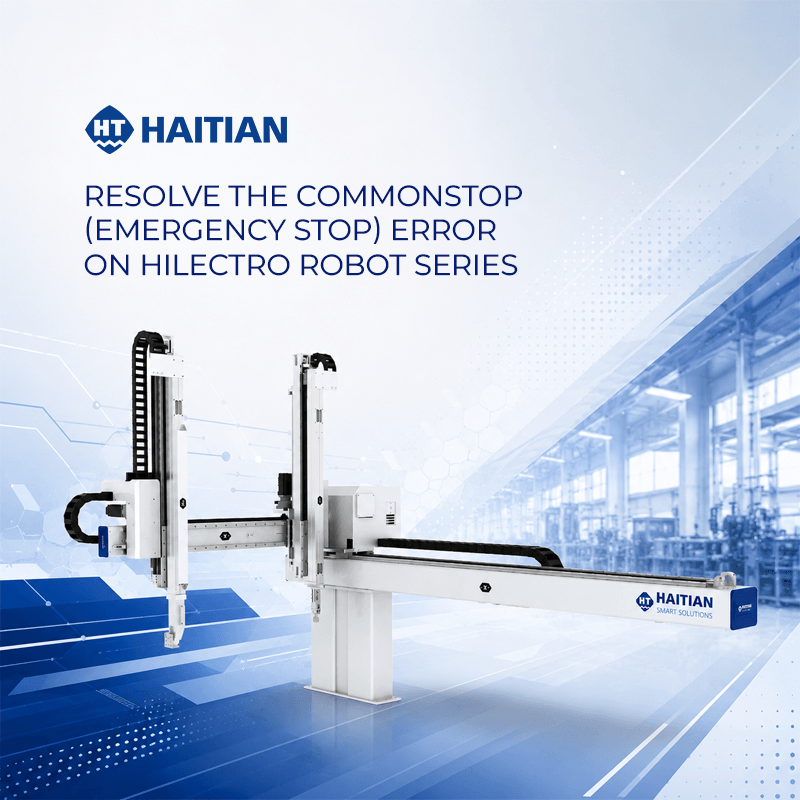
Error handling procedure:
- Identifying the error: When the robot displays an error on the control panel, users need to access the “Alarm History” section to check the details. From there, you can accurately identify which axis is experiencing the problem through the displayed error code. In this example, the error occurred on the Y-axis.
- Checking connections at the control panel: The next step is to open the robot control panel to check the transducer wires corresponding to each axis. You should observe the wires for any abnormalities such as overheating or looseness. For the Y-axis, carefully check the wires at the inverter location. If you see hot wires or signs of instability, disconnect them to check for dirt or damage to the connector.
- Check the motor connections: In addition to the control panel, check the connections of the encoder wires directly at the Y-axis motor. Disconnect the jacks, clean the connectors thoroughly, and ensure there are no loose connections or broken wires.
- Completion and operation: After cleaning and securely reconnecting the connectors, return to the control panel to clear the error and restart the robot. If the screen no longer displays a warning, the problem has been resolved.
Important note: If the robot still reports an error after cleaning and reconnecting it correctly, it is highly likely that the transponder cable is physically damaged or has an internal break. In this case, the best solution is to replace the transponder cable to ensure the robot operates stably and safely.
Hopefully, this guide will give you more confidence in maintaining and troubleshooting basic technical issues on your Hilectro robot.