

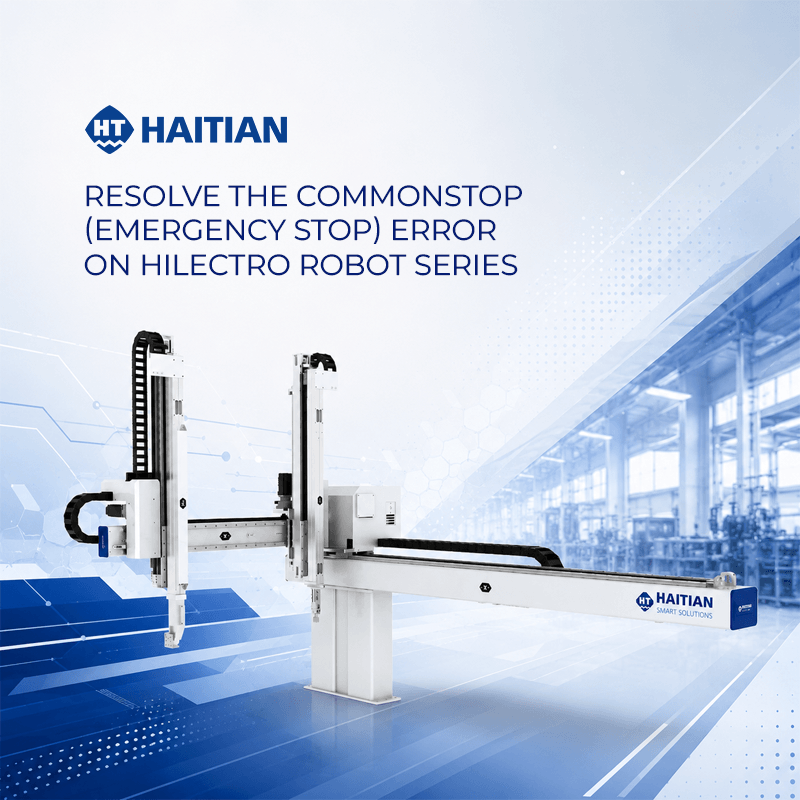
There are three primary causes for this error and their corresponding solutions:
- Emergency stop button not released: This is the most common issue. The operator simply needs to twist the emergency stop button in the direction of the arrow, then press the reset button on the control screen to get the robot back in operation (0:47–1:06).
- Incorrect connection jack: If the robot displays an error, check and switch the connection jack from the Reset connector to the IMM connector. After switching, you must also perform a reset on the control screen (1:11–1:49).
- Signal wires 1 and 2 not connected: This is the final potential cause. The user needs to check and properly connect signal wires number 1 and 2 inside the injection molding machine’s electrical cabinet. Once connected, press the reset button on the control screen to finalize the process (1:51–2:31).
This video helps users quickly troubleshoot basic issues, ensuring stable robot operation without the need for complex technical support.